

 Log In


February 15, 2015
 Offline


You can quickly and easily attach pictures to your posts using our ” Upload Attachments” button . It is located at the lower left side of the screen when you start a new topic or respond to a post. Just click the button and follow the instructions to upload.
Our forum can work with just about any size picture you need to attach.




February 15, 2015
Offline
Hi D.
Nice yote !
You can attach pictures to your post that will be hosted on our servers. You will not see the attachment button until you start a post and are editing it. The button is in the lower left side of the text edit area.
You can also post pictures from photobucket ,tinypic etc by using the insert image button in the post editor tool bar.You want to use the direct link for this , not the img code.

September 26, 2011
Offline


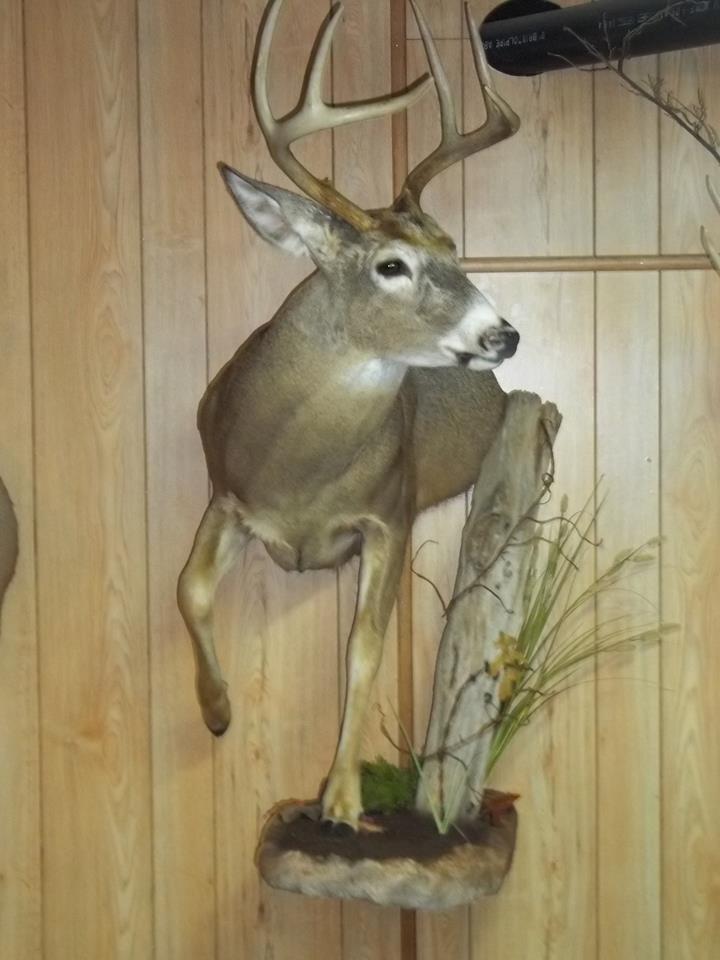
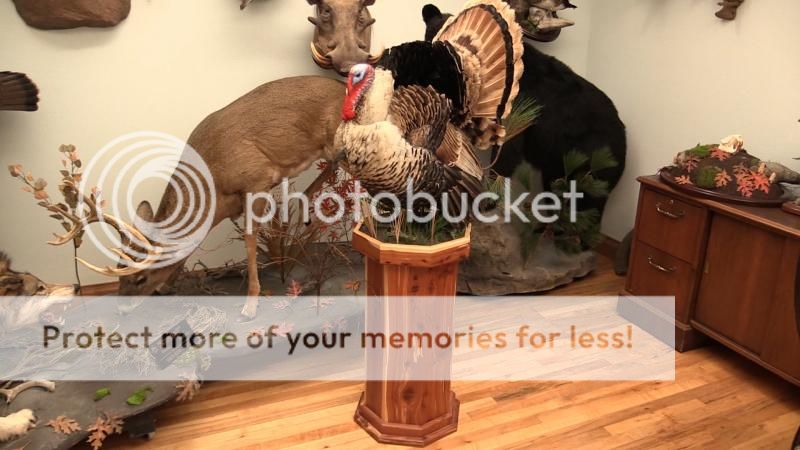
This pic was attached using the insert image button( located in the top post edit bar when you are making a post) . I copied and pasted the direct code generated when I uploaded the image to photobucket:
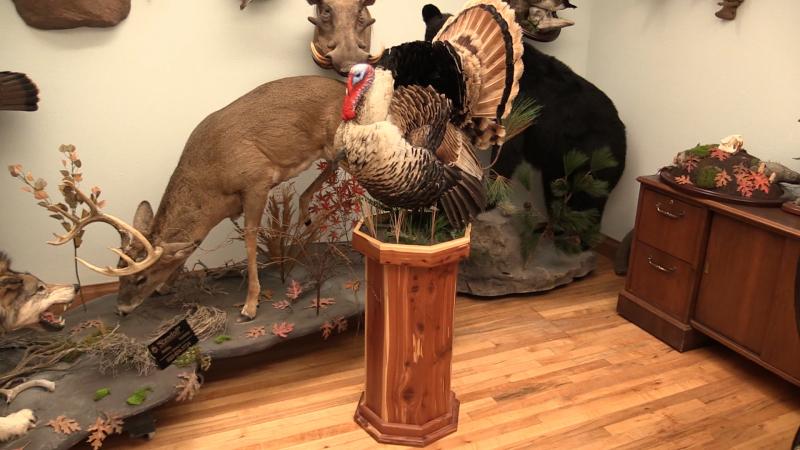
This image was uploaded directly to the forum using the ” Upload Attachments” button found in the lower left hand corner when you are making a post.
Taxidermy Talk Administrator
Stehling’s Taxidermy LLC http://www.stehlingstaxidermy.com
Taxidermy Insider / Learn Taxidermy Online http://www.taxidermyinsider.com
920.650.5457 a.n.stehling@gmail.com


September 26, 2011
Offline
D.Price said
10/4, I’ll figure it out….I did get the Yote loaded with task bar insert image button.
The task bar button is the best way to go if you are hosting off site, like on photobucket
Taxidermy Talk Administrator
Stehling’s Taxidermy LLC http://www.stehlingstaxidermy.com
Taxidermy Insider / Learn Taxidermy Online http://www.taxidermyinsider.com
920.650.5457 a.n.stehling@gmail.com