
Laptops vs. Desktops vs. Tablets vs. Smartphones
The Best Technology Setup for a Modern Taxidermy Shop
Running a professional taxidermy business today requires more than artistic talent. Customer communication, photo documentation, digital records, marketing, and bookkeeping all rely on technology.
But what’s the best setup?
Should you use a desktop in the office? A laptop in the shop? A tablet for intake? Or just run everything from your smartphone?
Let’s break down the pros and cons of each device and determine what works best for a taxidermy shop.
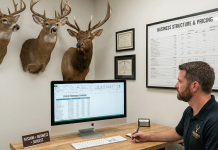
1. Desktop Computers
Best for: Full-Time Office Operations & Design Work
A desktop computer is the powerhouse of your shop’s office.
Advantages:
-
Strong processing power
-
Large monitor for viewing reference photos
-
Easier bookkeeping and accounting
-
More storage capacity
-
Comfortable for long office sessions
-
Ideal for website updates and marketing
Ideal Uses in a Taxidermy Shop:
-
Managing customer records
-
Editing trophy photos
-
Designing advertisements
-
Updating your website
-
Running accounting software
-
Managing a virtual taxidermy system
Downsides:
-
Not portable
-
Fixed location
-
Requires dedicated office space
Best For: Established shops with a dedicated office.
2. Laptops
Best for: Flexibility Between Shop and Office
Laptops offer a balance between power and mobility.
Advantages:
-
Portable between shop and office
-
Can bring to front counter for customer intake
-
Strong enough for photo editing
-
Great for trade shows or expos
-
Easy to take home during busy seasons
Ideal Uses:
-
Customer intake and contract signing
-
Digital photo storage
-
Running CRM systems
-
Social media updates
-
Email communication
-
Inventory tracking
Downsides:
-
Smaller screen than desktop
-
Battery wear over time
-
Can be damaged in dusty shop environments
Best For: Most small-to-mid-size taxidermy businesses.
For many taxidermists, a laptop is the most practical primary device.
3. Tablets
Best for: Customer Experience & Shop Floor Mobility
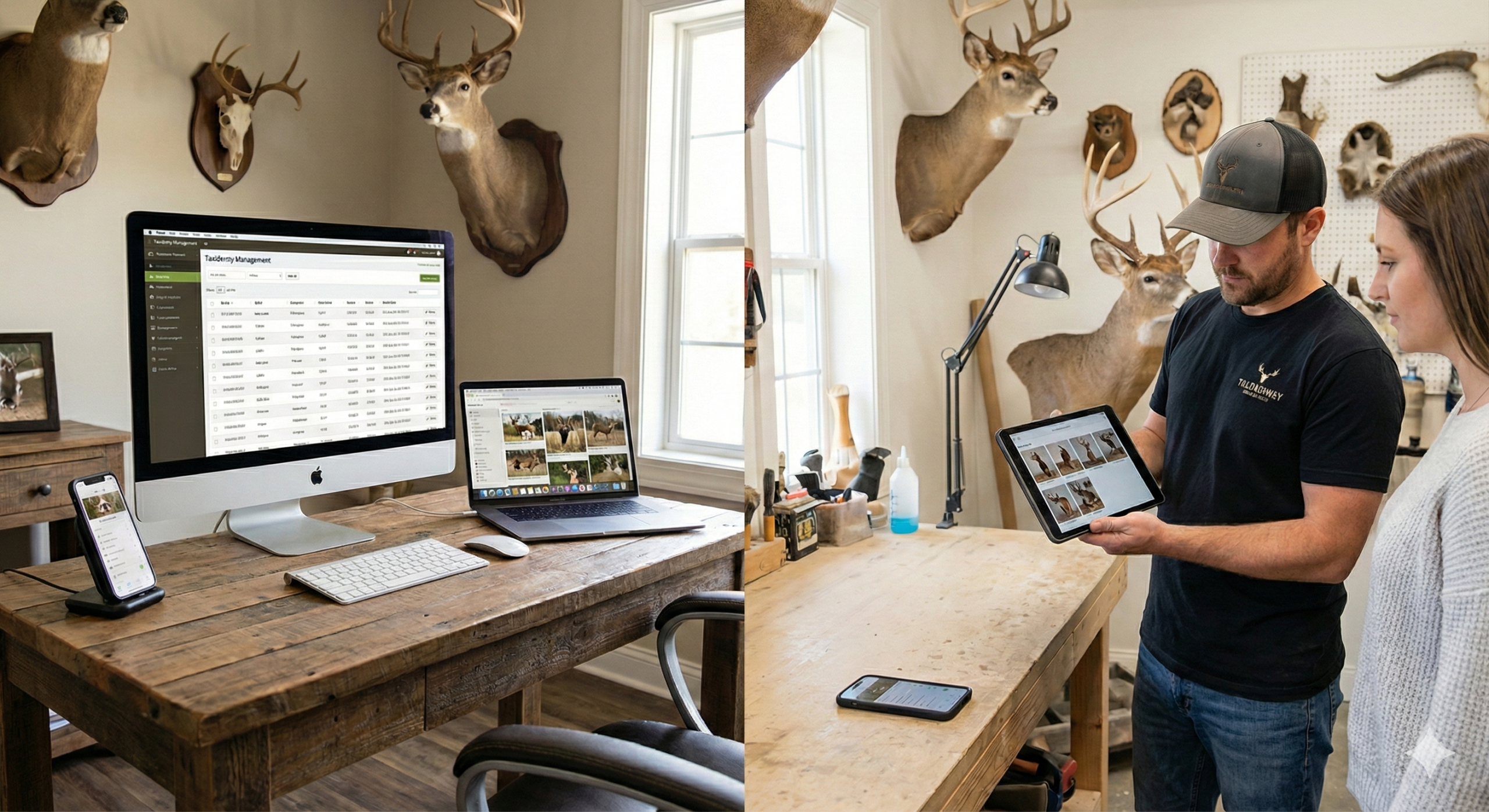
Tablets (like iPads or Android tablets) are increasingly popular in service businesses.
Advantages:
-
Lightweight and portable
-
Excellent for showing mount examples
-
Easy photo review with customers
-
Digital signature collection
-
Great for intake forms
-
Can double as a presentation tool
Ideal Uses:
-
Showing pose options
-
Displaying pricing sheets
-
Taking intake notes
-
Capturing customer reference photos
-
Quick access to mount galleries
Downsides:
-
Limited for accounting
-
Not ideal for heavy data entry
-
May require external keyboard
Best For: Customer-facing intake and presentations.
A tablet adds a polished, professional feel to your shop.
4. Smartphones
Best for: Communication & Field Use
Your smartphone is likely your most-used business tool already.
Advantages:
-
Always with you
-
Quick customer communication
-
Fast photo documentation
-
Social media marketing
-
Mobile banking
-
GPS for deliveries
Ideal Uses:
-
Taking field photos of animals
-
Texting customers updates
-
Posting to Instagram/Facebook
-
Accepting digital payments
-
Checking schedules
Downsides:
-
Hard to manage full accounting
-
Easy to get distracted
-
Small screen for detailed work
-
Can blur work/life boundaries
Best For: Communication and on-the-go management.
A smartphone should complement your system — not replace your main workstation.
The Ideal Setup for a Professional Taxidermy Shop
For most taxidermists, the best system includes:
-
Primary Workstation: Desktop or high-performance laptop
-
Mobile Tool: Smartphone
-
Optional Upgrade: Tablet for intake and presentation
This combination gives you:
-
Organization
-
Mobility
-
Professional presentation
-
Efficient customer communication
-
Secure record keeping
Budget-Friendly Tech Setup for New Taxidermists
If you’re just starting out:
-
Use a reliable laptop as your main device.
-
Use your smartphone for photos and communication.
-
Upgrade to a desktop or tablet as your business grows.
You don’t need the most expensive equipment — you need reliable, organized systems.
Security Considerations for Taxidermy Shops
No matter what devices you choose:
-
Use cloud backup
-
Enable password protection
-
Keep customer data secure
-
Install antivirus software
-
Use secure Wi-Fi
-
Back up photos regularly
You are responsible for protecting customer information.
Final Thoughts
Taxidermy is a hands-on craft, but the business side is digital.
The right technology setup:
-
Reduces lost paperwork
-
Speeds up customer communication
-
Protects your records
-
Enhances professionalism
-
Saves time during peak seasons
In today’s market, successful taxidermists operate like both artists and business owners.
Choosing the right devices helps you do both.